
Professional WhiteBoard Experience
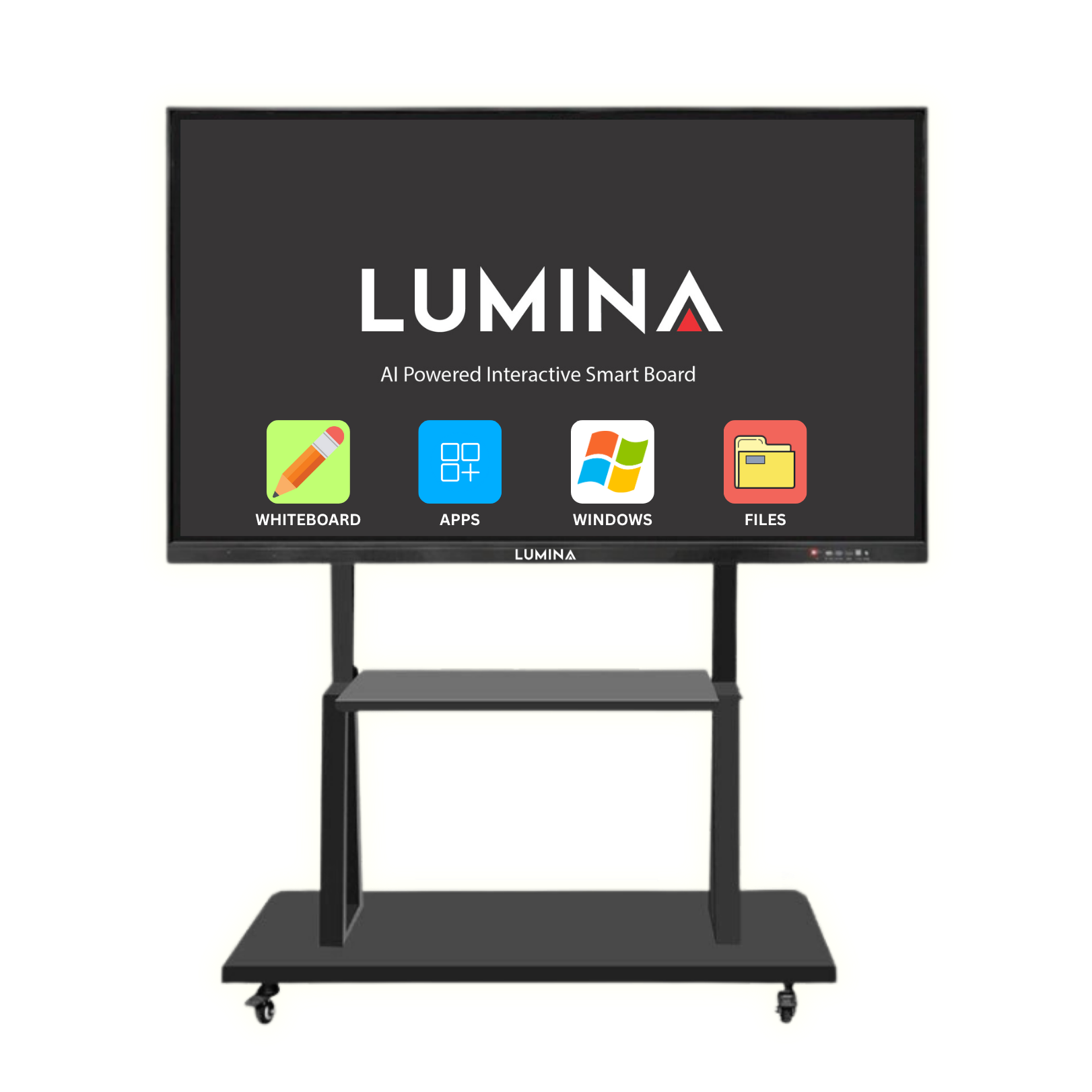
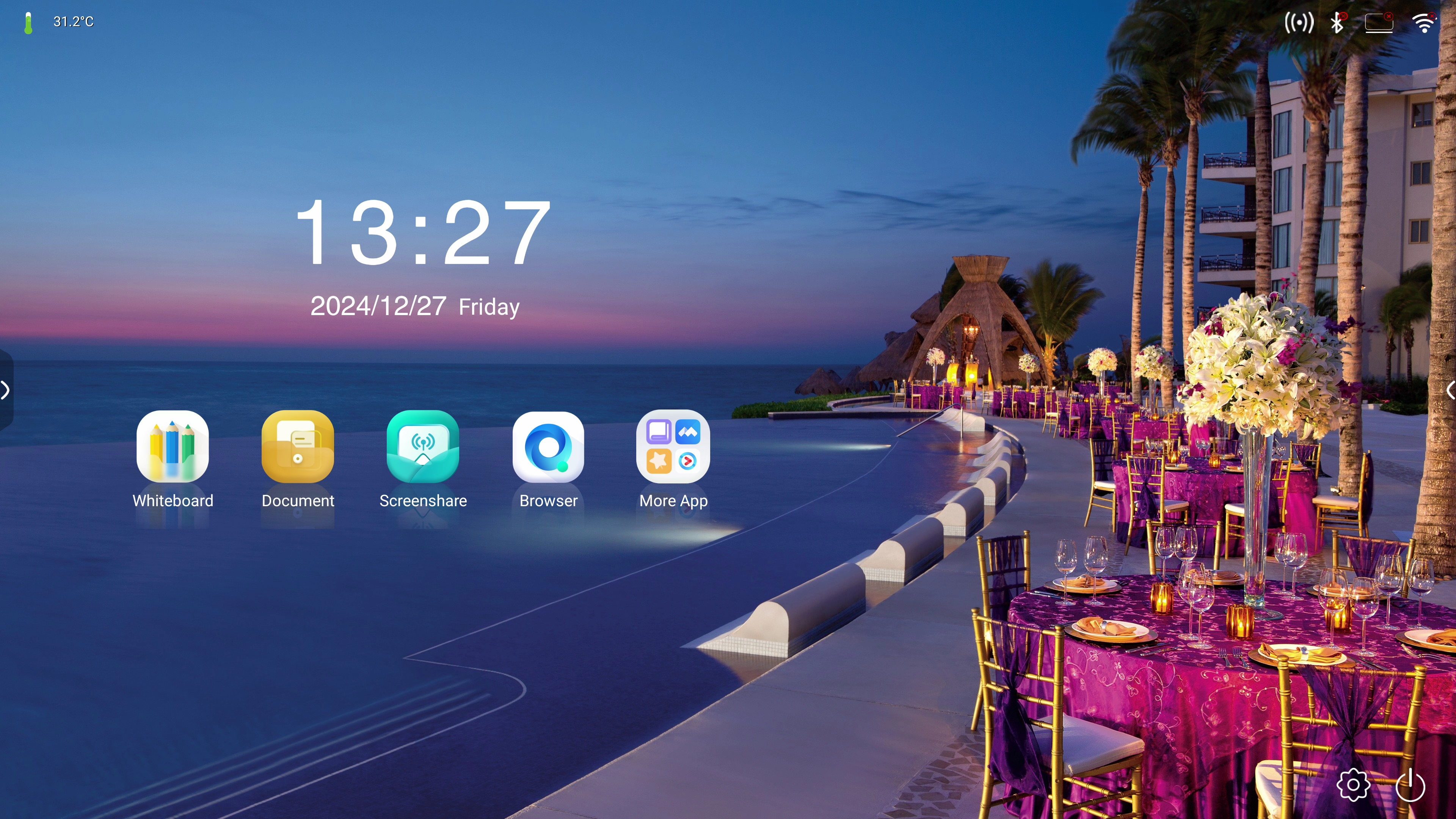
Lumina Interactive SmartBoard brings to you the latest technology in classroom teaching. Experience seamless interactivity with our high-precision touchscreens and smart palm recognition designed for both teaching and business presentations. Available in multiple sizes of 55", 65", 75", 86", 98"

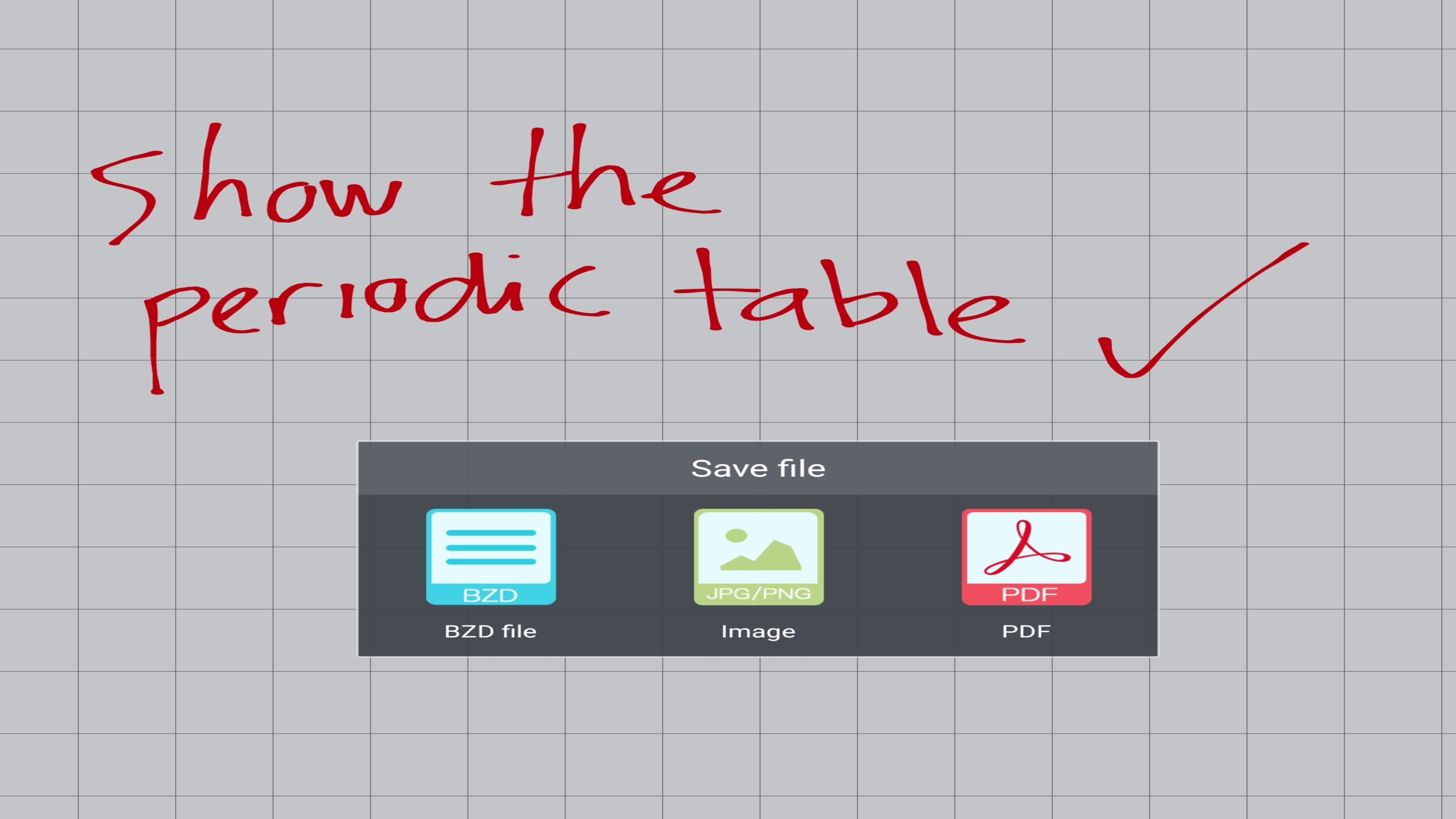
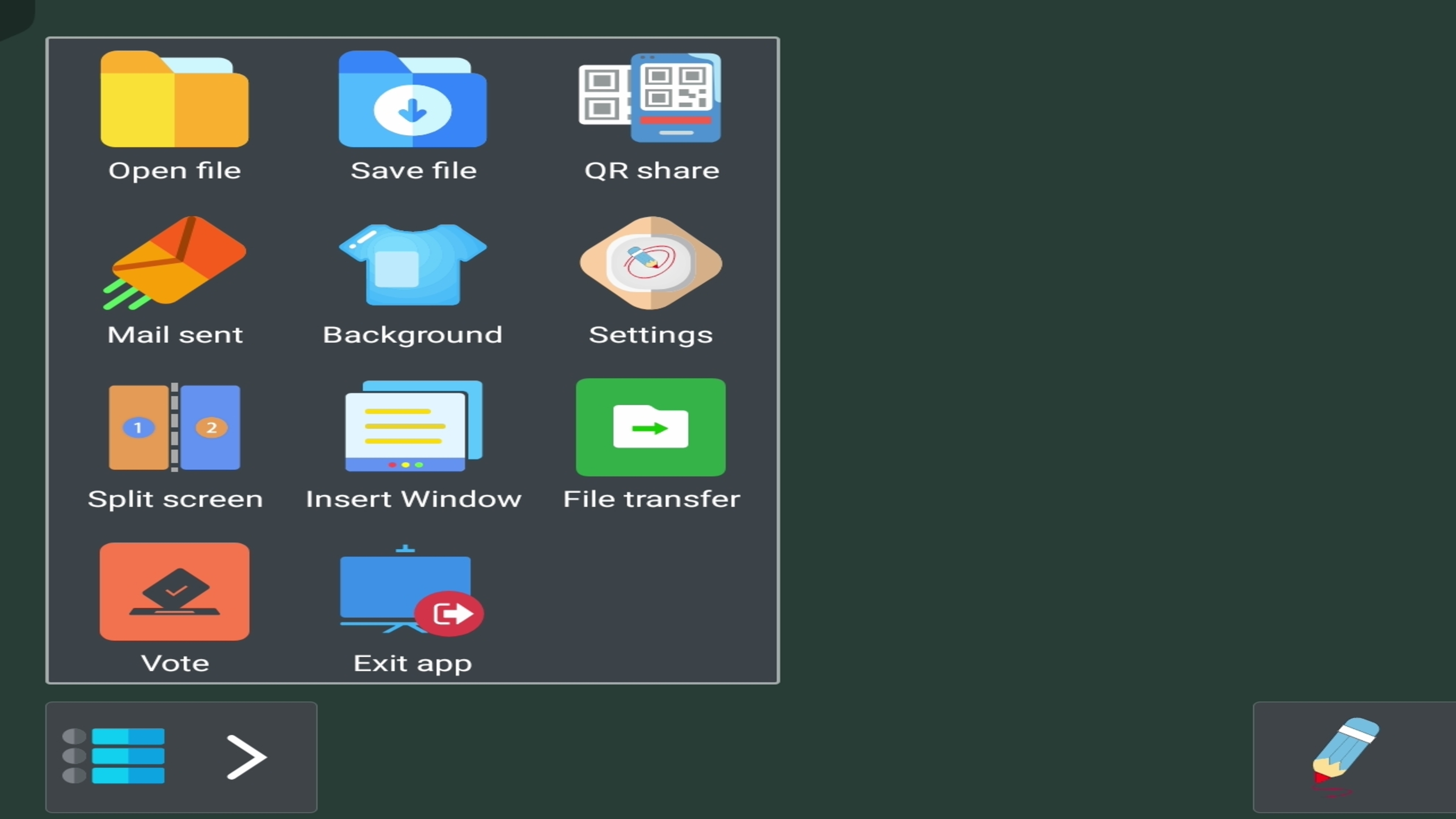
Advance WhiteBoard Software
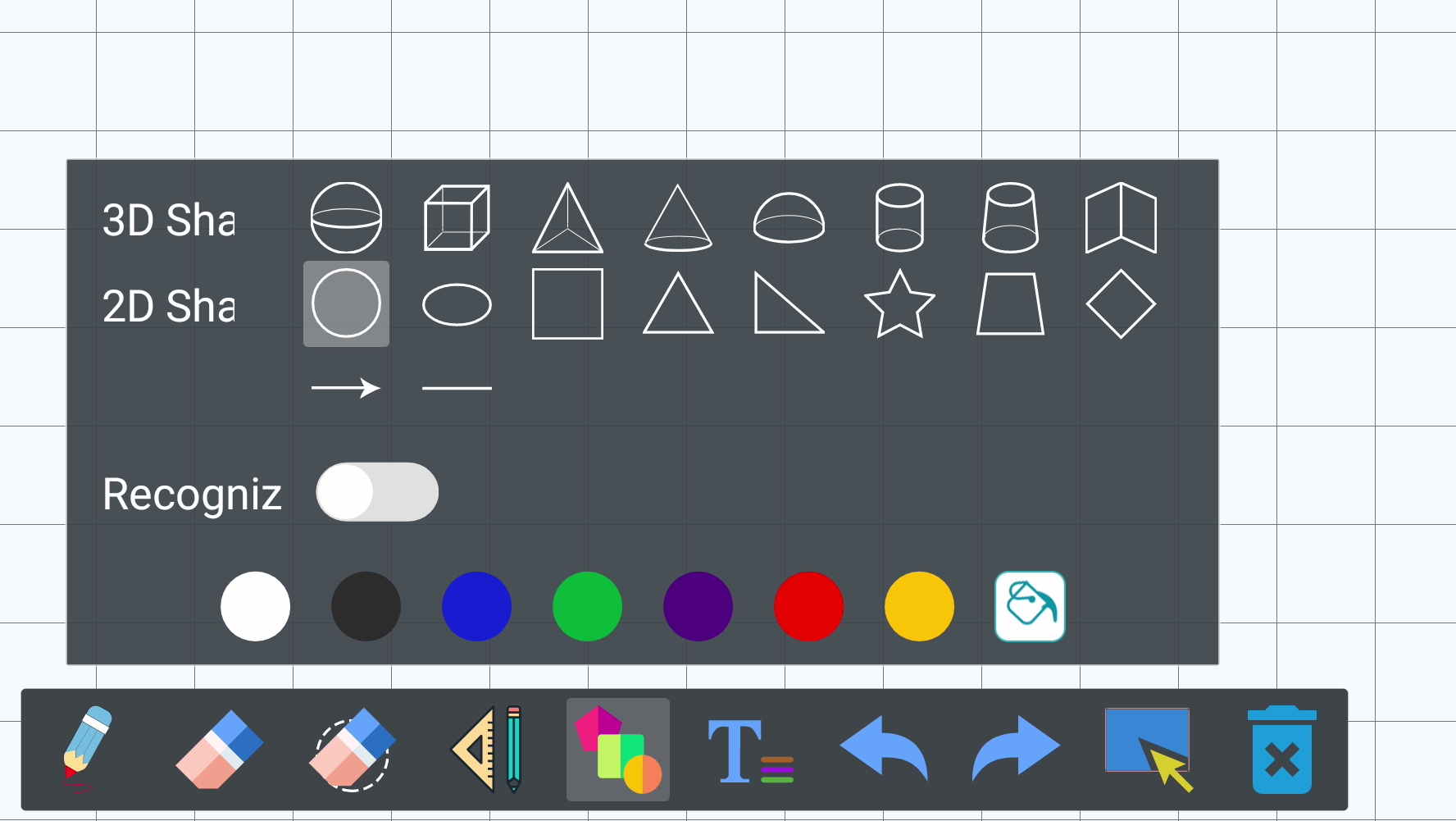
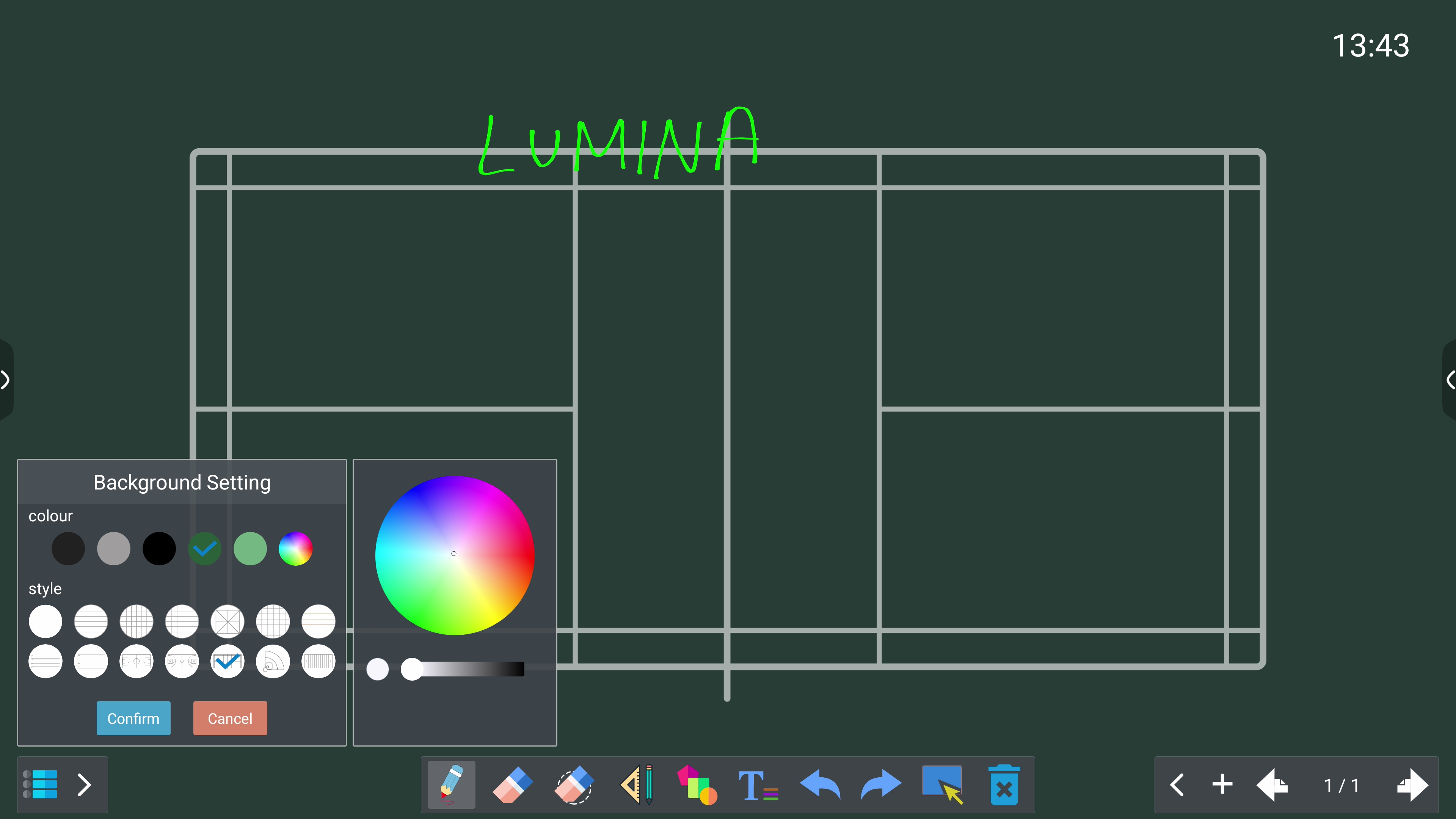
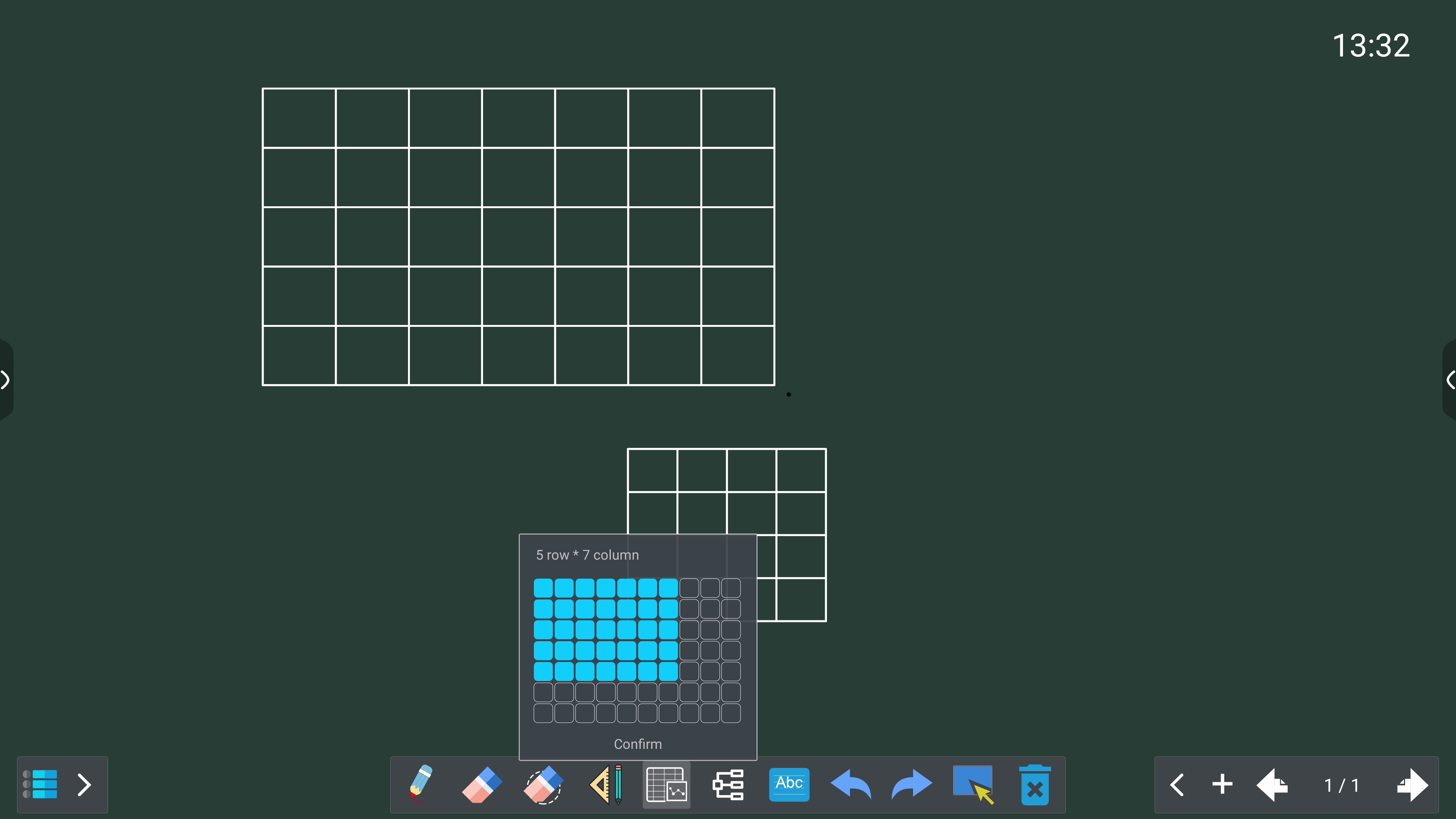
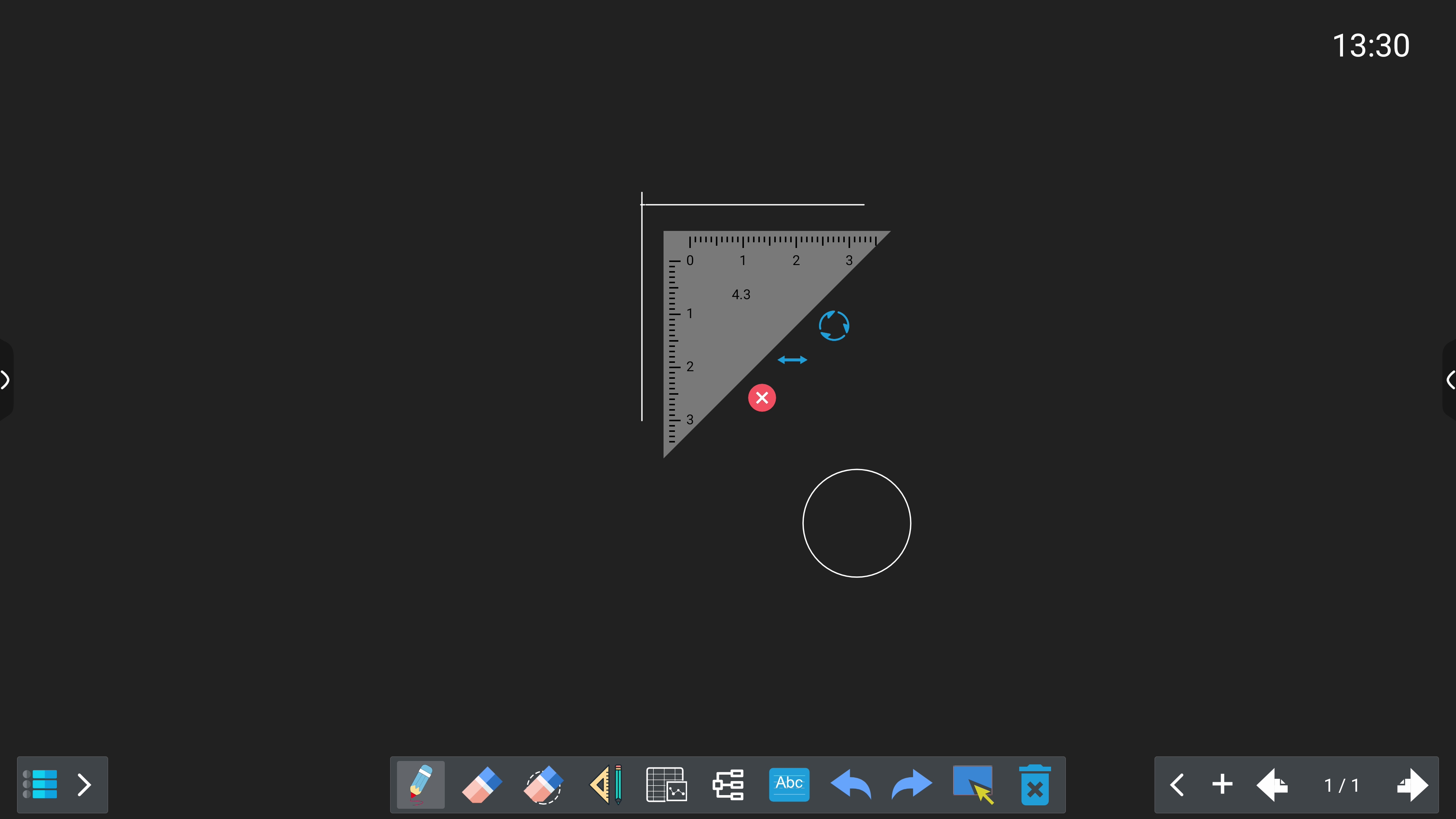
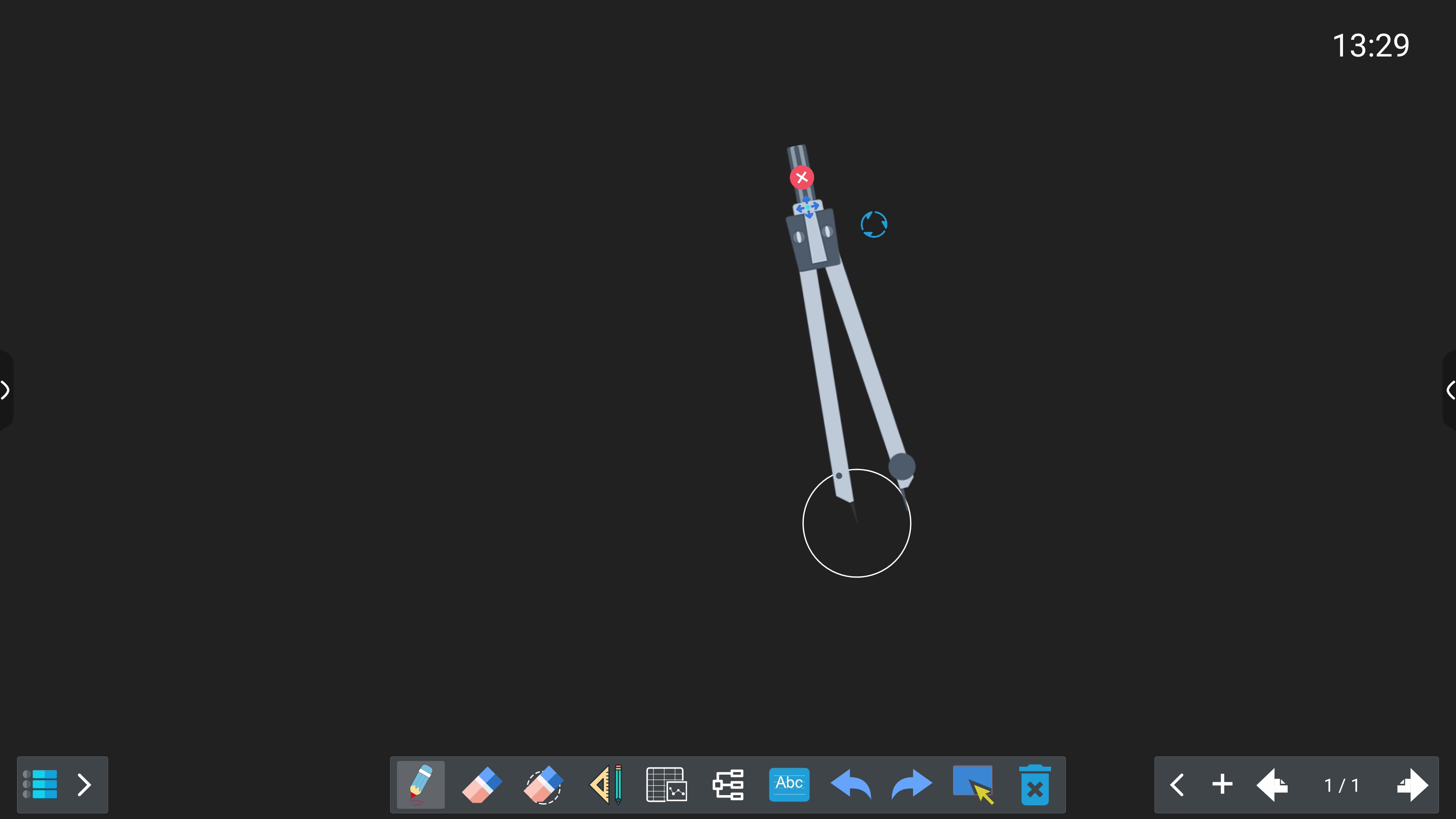
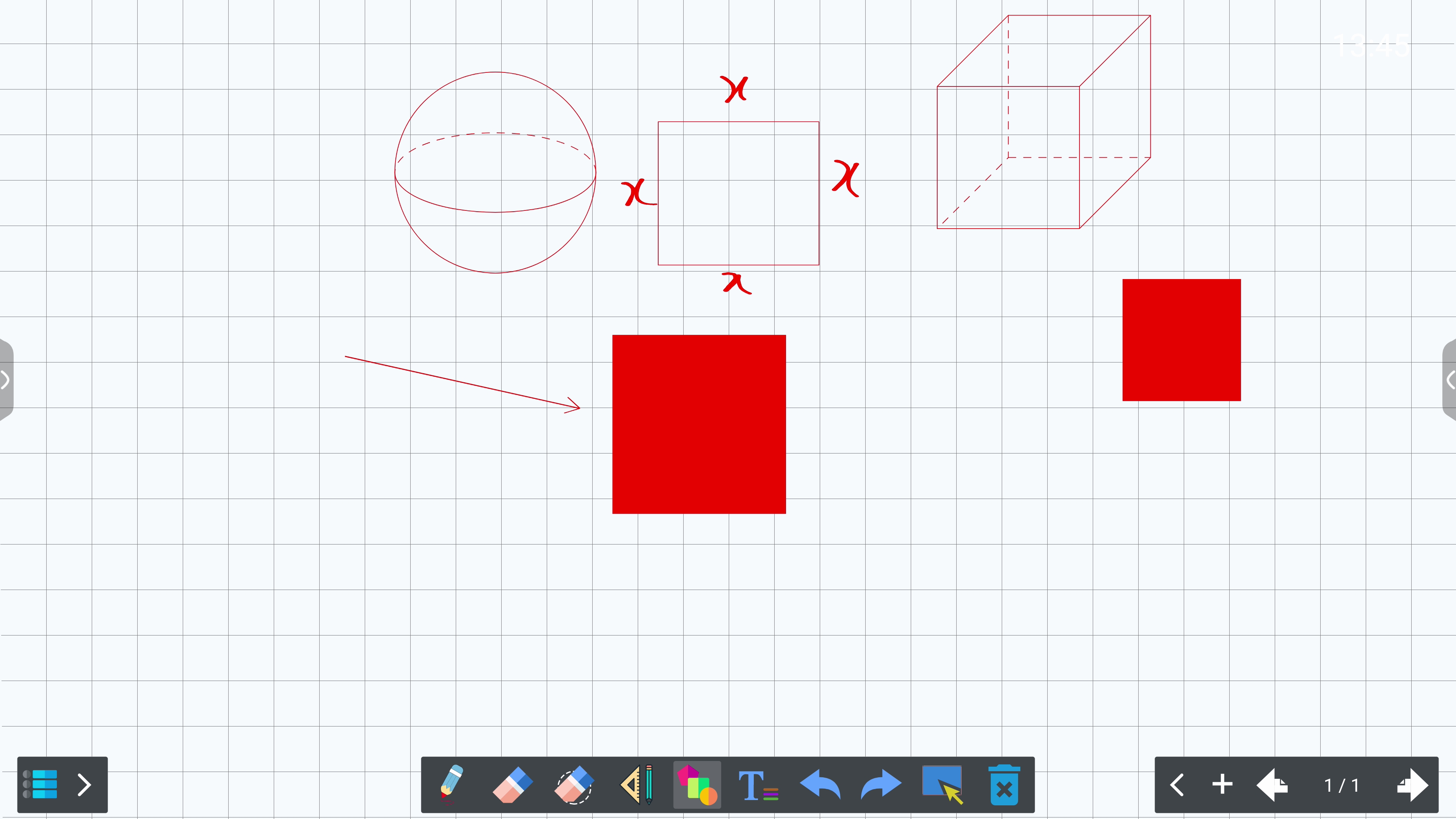
Featuring all latest tools needed for a full fledge whiteboard usage in any environment, be it in classroom or meeting presentations.
Whiteboard software is a digital tool that simulates a physical whiteboard, allowing users to write, draw, and display content interactively on a screen. It is commonly used in classrooms, meetings, and online collaboration environments. Split Screen for Multi User
4K ULTRA HD resolution (3840 x 2160 pixels) provides four times the pixel count of Full HD (1080p), resulting in extremely sharp and detailed images. This high pixel density ensures that even large displays maintain clarity, which is especially useful in classrooms where students sit at varying distances.
In terms of color, 4K displays often support wide color gamuts which means they can reproduce richer, more vibrant, and more accurate colors. This makes visuals more engaging and realistic—particularly helpful in subjects like science, art, or geography.
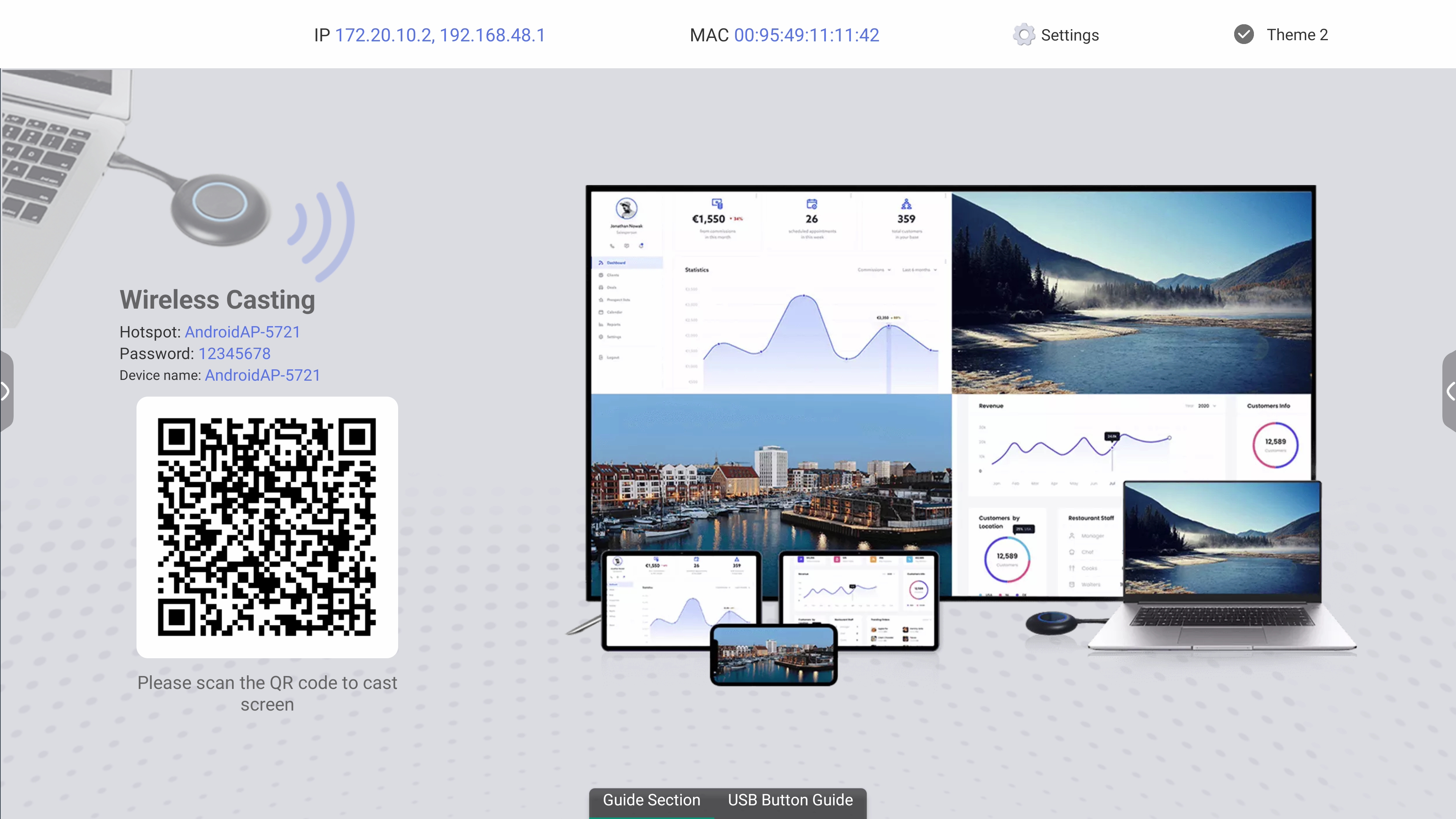
Wireless casting is the process of displaying content from one device (like a laptop, tablet, or smartphone) onto another screen (such as a TV, projector, or interactive whiteboard) without using cables. This is commonly used in classrooms, meeting rooms, and home entertainment setups.
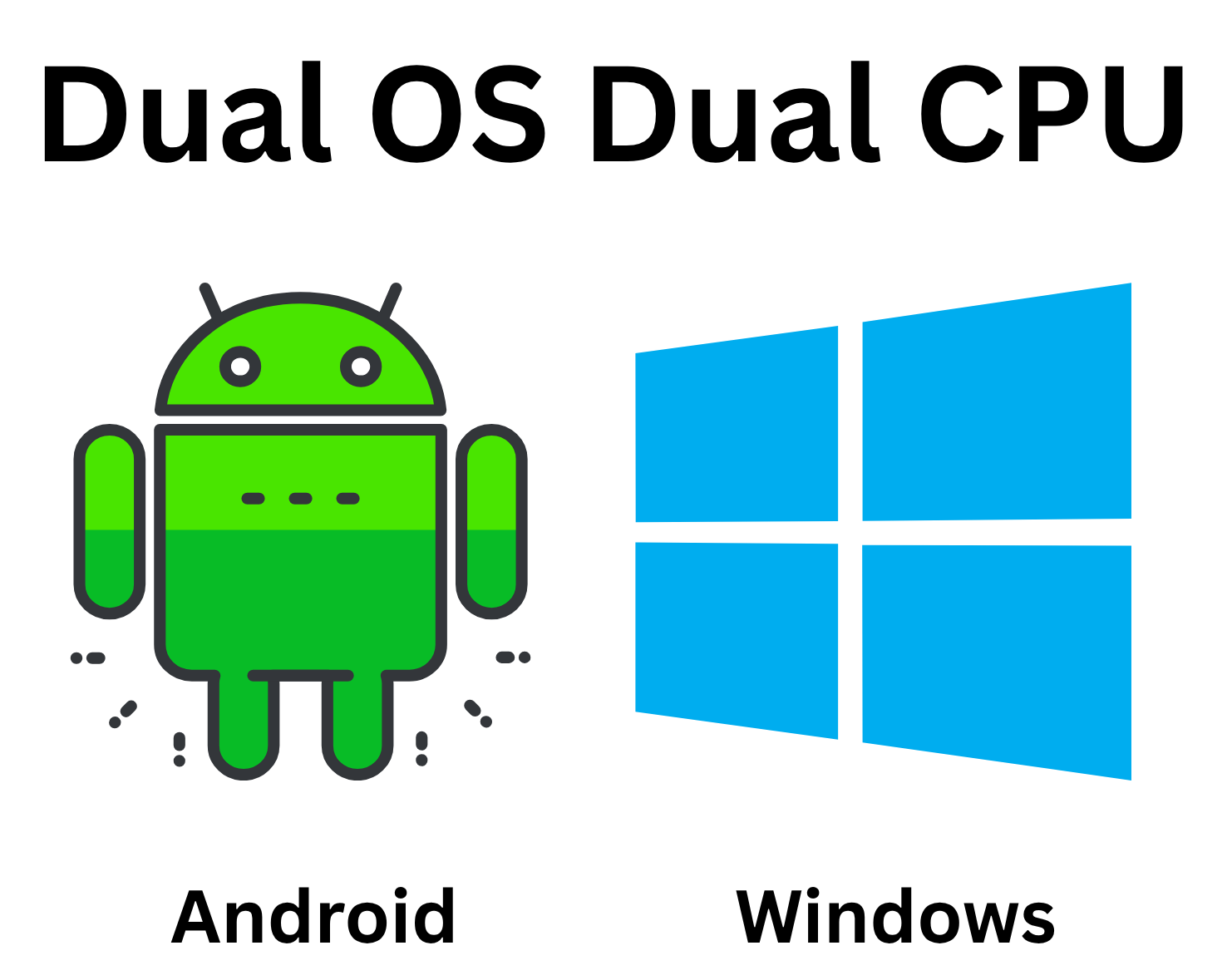
A dual operating system setup, also known as dual booting, allows a Interanctive SmartBoard to run two different operating systems on the same system. Powered by 2 Separate CPU for maximum efficiency
Run the Whiteboard software on either Android or Windows, according to your requirements.